You keep the holiday rush under control by setting your capacity per time slot in advance, organising your tables and zones smartly, offering your Christmas and New Year's Eve menus as separate events, asking for a deposit on your busiest nights and giving your team a clear overview every day. Sort it out in November and you will have your hands free for your guests in December.
Why the end of the year is different
Office parties, family dinners, friends who want to catch up before the year is out: for most restaurants, November and December are the busiest weeks of the year. They are also the weeks with the least room for mistakes. Bigger groups, different opening hours, special menus and more cancellations all arrive at once.
That is exactly when you find out whether your reservation system does the work for you, or whether your team has to absorb everything itself.
Year-end checklist
1. Know your capacity, per service and per time slot
Start with an overview: how many covers can your kitchen and dining room really handle, per service and per time slot? In December that is often less than the size of your room, because groups and festive menus take more time.
In TalloRes you set a maximum capacity for each service, and optionally a separate capacity per time slot. That way you never book more than you can handle at any given moment, and not everyone arrives at 7 pm.
The calendar view shows you at a glance, colour-coded, how full each service is.
2. Let reservation length follow group size
A table for two frees up faster than an office party for ten. For each service you set how long a reservation lasts by default: fixed (for example always 120 minutes) or based on group size (for example up to 4 people 120 minutes, up to 8 people 150 minutes, 10 or more 180 minutes). You plan realistically, and the next guests are not waiting at the door while their table is still taken.
3. Organise tables and zones
Set table priorities so the system suggests the best-fitting table for every reservation instead of the first free one. No more wasting a table for eight on a couple.
You divide your restaurant into zones (inside, terrace, bar) and create table groups for larger parties: freely combinable or fixed, for example table 1 always with table 2. On the table plan you drag and combine tables in seconds, just the way your room really works.
4. Offer your Christmas and New Year's Eve menus as events
Set up your festive menu as a special event, with its own date and hours. It appears automatically in your booking widget, so guests can book it directly. Your Christmas bookings go straight into your system instead of onto notes next to the phone.
5. Ask for a deposit on your busiest nights
A no-show on Christmas Eve hurts twice: you probably turned that table down for someone else. So for your festive evenings and large groups, ask for a deposit or full payment per cover at booking. Read more in What a no-show really costs you.
Fully booked? Guests join the automatic waitlist, and the next guest is offered a table automatically when one frees up.
6. Change one day without overhauling everything
An extra event, an adjusted service, a sick chef: in December a lot changes at short notice. With a day-level adjustment you close a time slot, lower your capacity or close a whole day, without changing your regular settings.
7. Give your team an overview every day
You choose which events trigger a notification, in the app or by email: new reservation, new gift voucher, reservations with a comment, cancellations, changes.
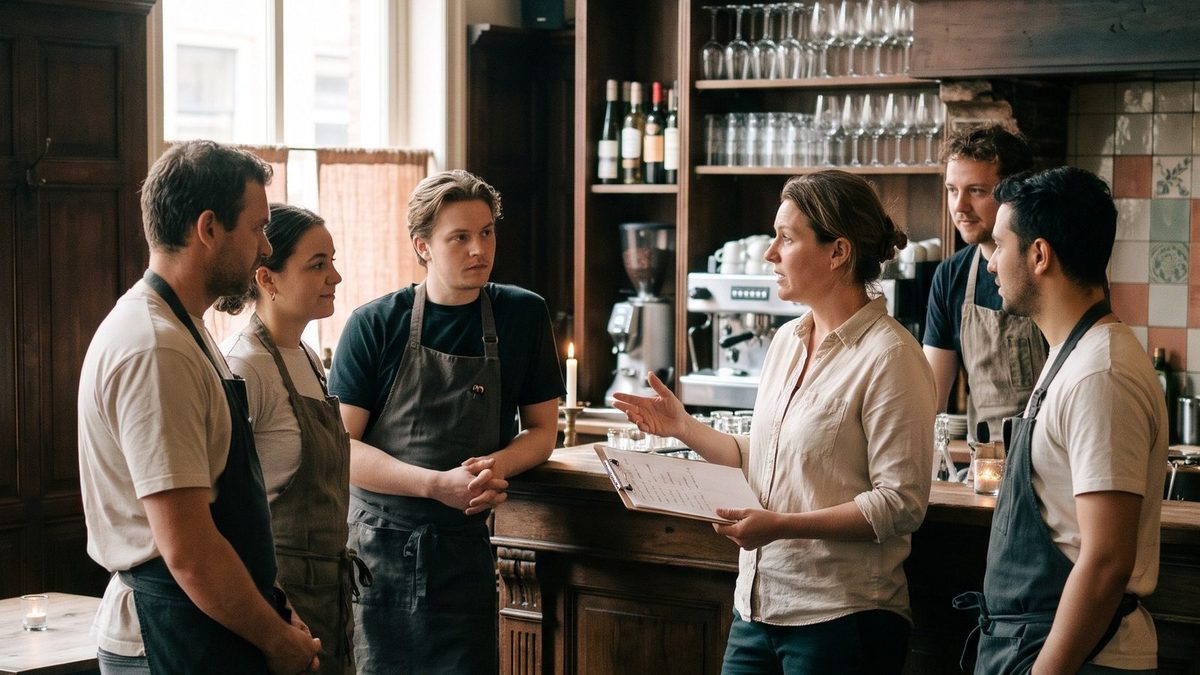
Handy in a busy week is the optional daily summary email with a printable list of that day's reservations. At the briefing your team knows straight away what is coming, who has an allergy and which table is celebrating a birthday.
Do not forget gift vouchers
The end of the year is also the moment for gift vouchers. Guests who buy a voucher now come in January and February, exactly when it is quieter. Read how in Selling gift vouchers online.
Frequently asked questions
How do I prepare my restaurant for the holidays?
Set your capacity per service and time slot in advance, match reservation length to group size, offer your festive menu as an event, ask for a deposit on your busiest nights and give your team a clear overview every day.
How do I set capacity per time slot?
For each service you enter a maximum capacity, and optionally a separate capacity per time slot within that service.
Can I combine tables for large groups?
Yes. You create table groups that are freely combinable or fixed, depending on how your room is laid out.
What if I have an extra event or a closing day?
With a day-level adjustment you change the capacity or opening hours for that one day or time slot, without changing your standard settings.
Want a calmer December this year? See the features or start your 30-day free trial. We handle the switch for you, within your trial.